Reporting Spam
Reporting Spam
To report spam, please follow the steps below:
- Click on the email in the mail preview, so that you get the options to appear at the top to “Reply” “Reply All” “Forward”
- Click on the “More” button, and press “Forward as Attachment”

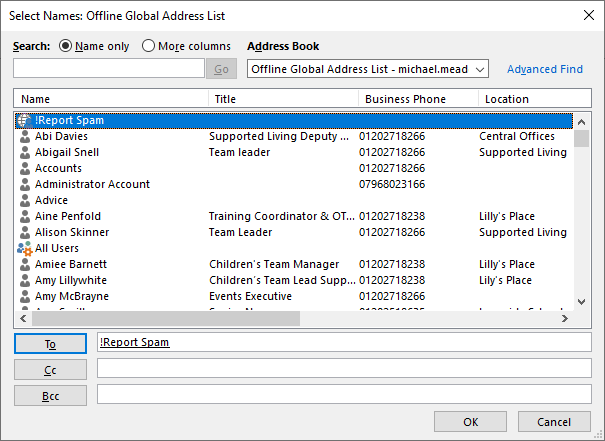
- Click “To” and select “!Report Spam” which will be at the top of the contact list, if this is not the first time you have reported spam, if you type an exclamation mark ! into the To area, it will appear automatically.
- Send this email, and you will receive an automated reply confirming it has been reported.