HP Printing: Copying
Our HP photocopiers use the papercut system, to enable access to the Photocopying function, if you haven't done already, please read this section HP Printing: Papercut.
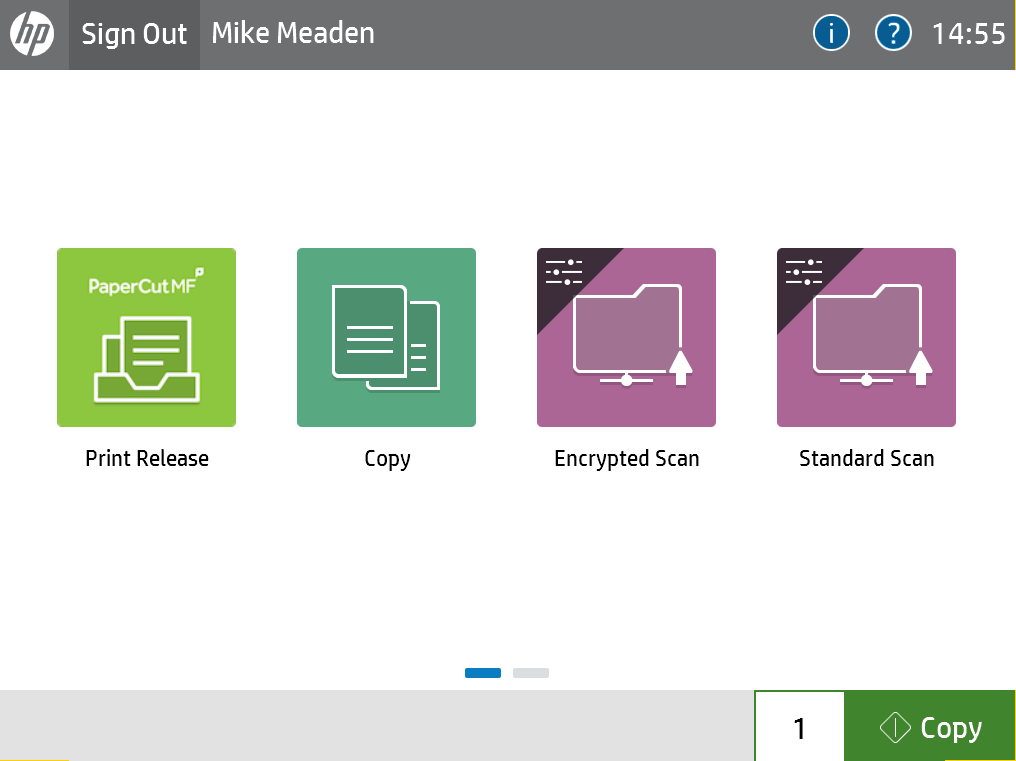
- Press the “Copy” button to enter the copying section of the photocopier.
- This will take you through to the Copying function, which allows you to photocopy documents and pictures up to A3 in size.
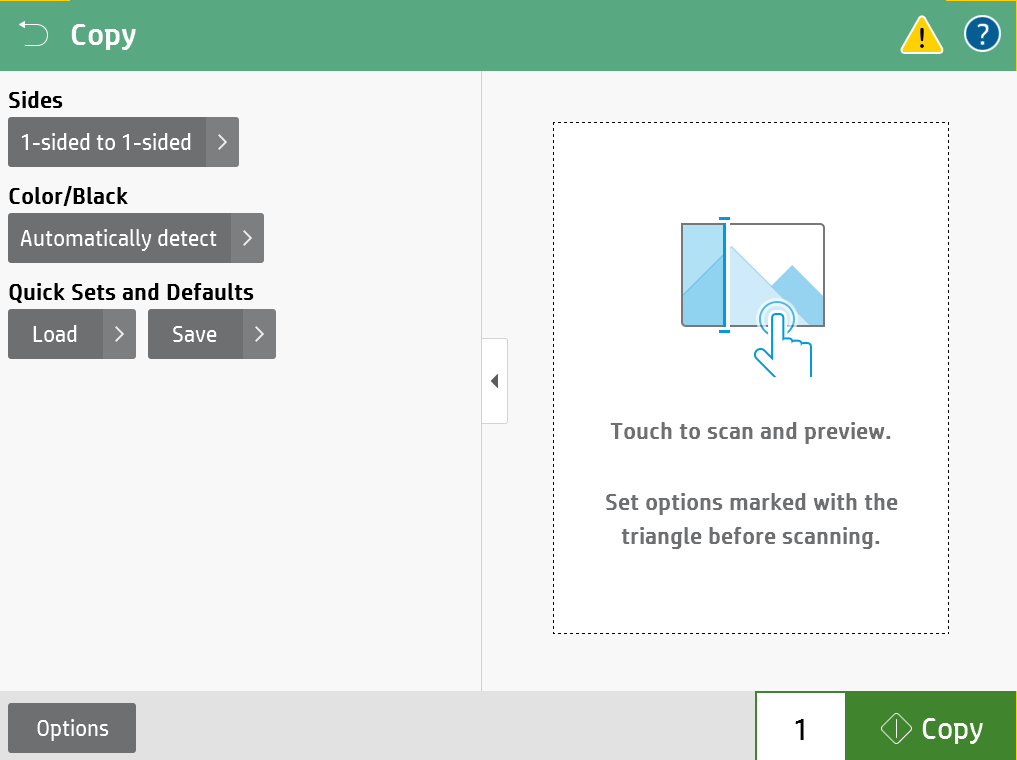
Sides, This gives you options for single or double sided photocopying, where documents can also be converted from 1 sided to 2 sided, and vice versa.
Color/Black, This allows you to determine if you are scanning a colour document, or black & white. Black and white scanning reduces file size.
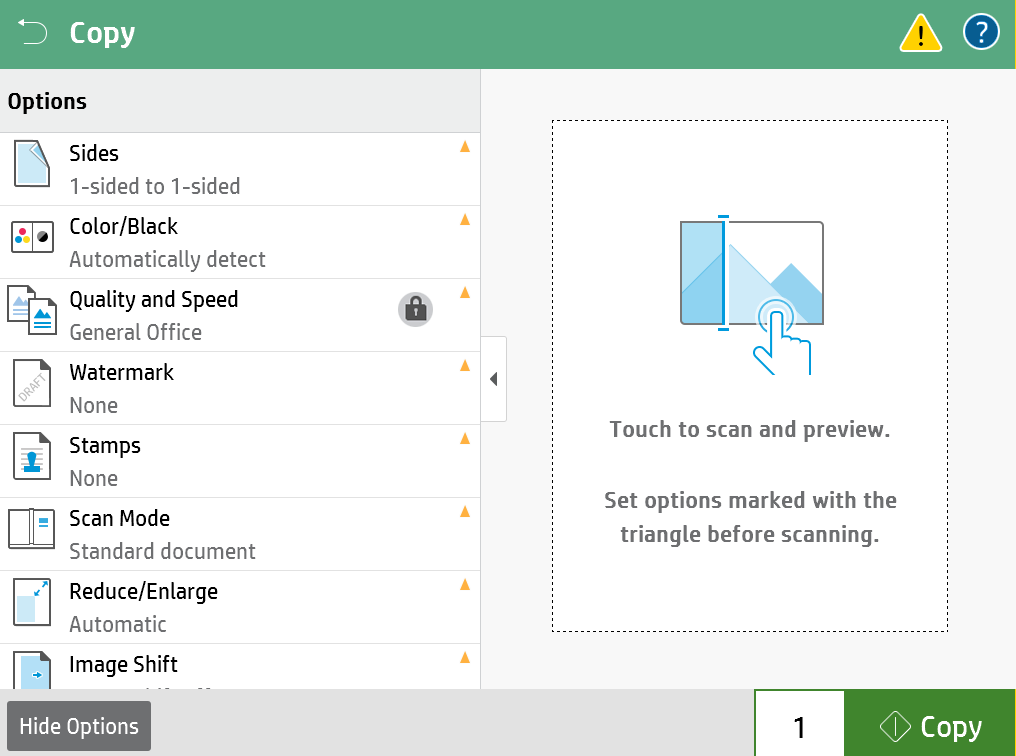
- By pressing the options button at the bottom right, you will be presented with advanced copying options, including page size, watermarks, reduction & enlargement, and many other options. Please remember you can't break the device, as after 60 seconds or logging out, the device will reset to defaults.